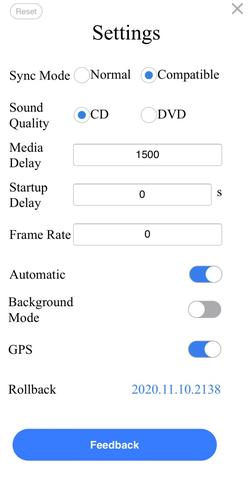
Android USB products-Autokit 2021 new version release and upgrade instructions
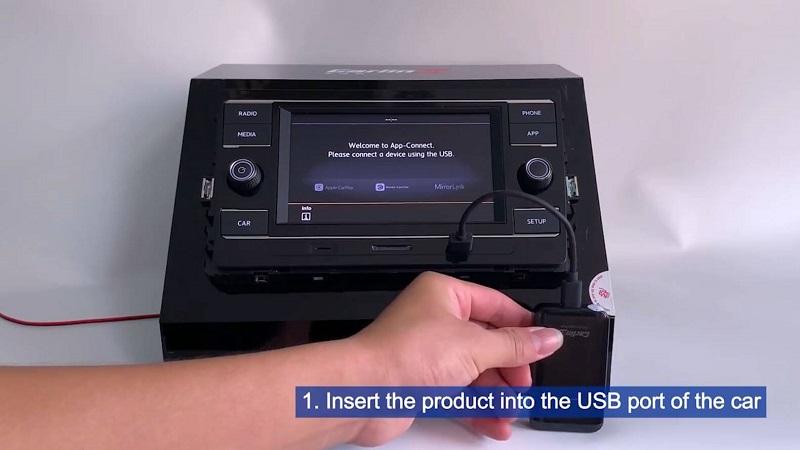
Upgrade Instructions: First, prepare a U disk smaller than 32GB and format it as “FAT32” Unzip the file first Copy the “Auto_Box_Update.img” file to the root directory of the U disk (blank) Insert the “product box” into the USB port of the car machine, the car machine interface displays: “Please connect the phone” Insert the U disk into the USB… Read More »Android USB products-Autokit 2021 new version release and upgrade instructions