Skip to content

News

Wireless CarPlay Adapter: How to Add Wireless Connectivity to Your Car’s Infotainment System

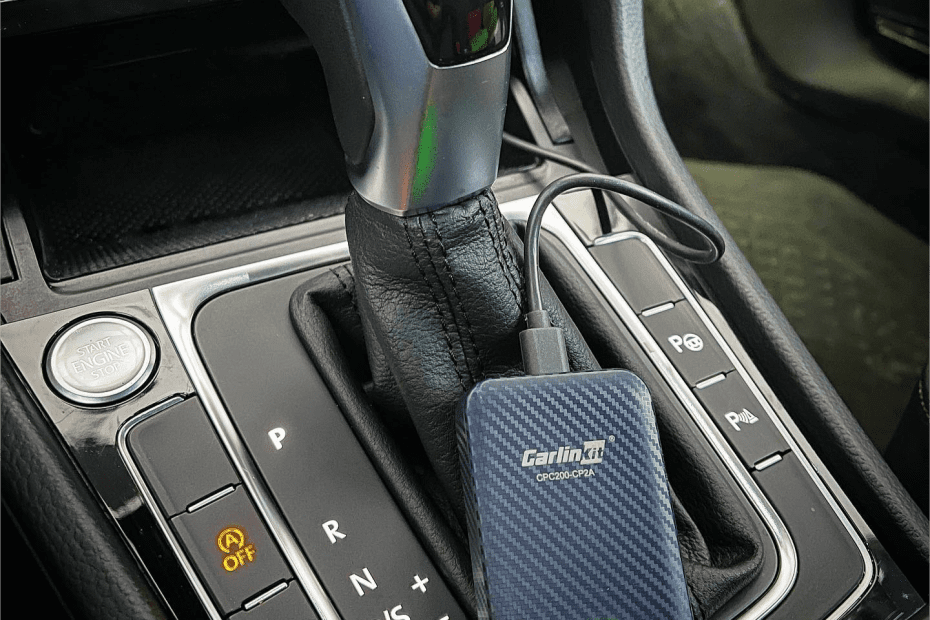
Wireless CarPlay adapter is a device that allows iPhone users to connect their devices to their car’s infotainment system wirelessly. With the adapter, users can access their phone’s features and apps without the need for a physical connection. This means that they can make calls, send messages, and use navigation apps without having to take their hands off the wheel… Read More »Wireless CarPlay Adapter: How to Add Wireless Connectivity to Your Car’s Infotainment System

Tesla Apple CarPlay: Integration, Compatibility, and Functionality

Tesla is a leading electric car manufacturer that has revolutionized the automobile industry with its cutting-edge technology and innovative designs. Despite being a pioneer in the electric vehicle market, Tesla has not yet integrated Apple CarPlay into its vehicles. Many Tesla owners are eagerly anticipating the integration of Apple CarPlay, which would allow them to seamlessly connect their iPhones to… Read More »Tesla Apple CarPlay: Integration, Compatibility, and Functionality

Audi Apple CarPlay: The Ultimate Guide to In-Car Entertainment

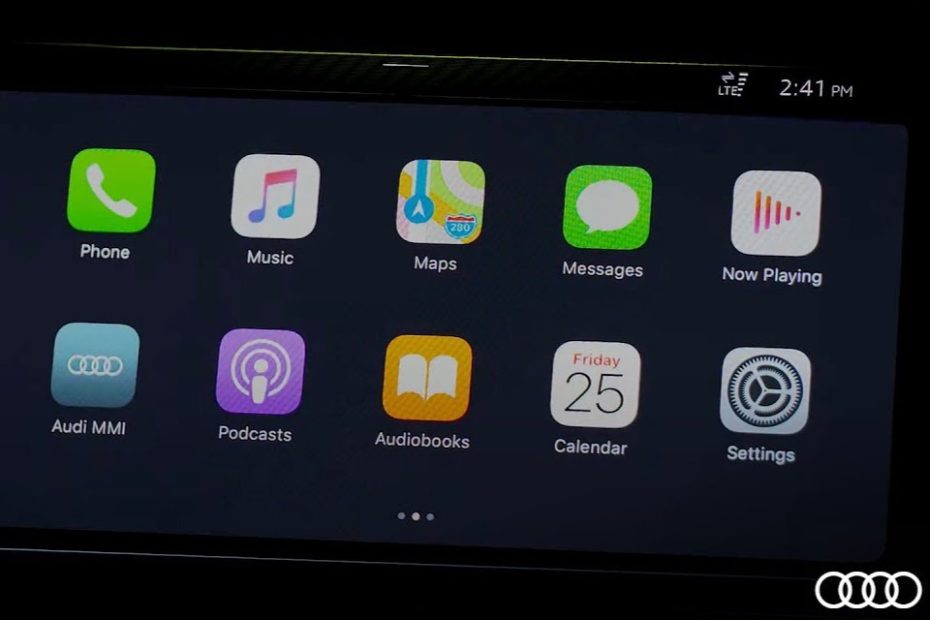
Audi Apple CarPlay is a technology that allows drivers to connect their iPhone to their Audi vehicle and use Apple CarPlay features. With this technology, drivers can access their favorite apps and features directly on their vehicle’s infotainment screen. Audi Apple CarPlay is available with all 2024 models and select older ones. One of the key features of Audi Apple… Read More »Audi Apple CarPlay: The Ultimate Guide to In-Car Entertainment

How to Remove Phone from CarPlay: A Clear and Confident Guide

CarPlay and Android Auto are great features that allow you to connect your phone to your car’s infotainment system. However, sometimes you may need to delete the connection history for various reasons. In this section, we will discuss how to delete CarPlay connection history on iPhone and how to delete Android Auto connection record on the phone. We will also… Read More »How to Remove Phone from CarPlay: A Clear and Confident Guide

Carlinkit WiFi Password: How to Change and Connect Your Car’s WiFi

Overview Carlinkit is a brand that produces wireless carplay adapter dongles for vehicles. To connect the dongle with the phone, the user needs to plug the Carlinkit adapter into the vehicle port and connect the phone with the dongle by entering the connection password 12345678. After connecting the dongle with the phone, the user can open the phone browser and… Read More »Carlinkit WiFi Password: How to Change and Connect Your Car’s WiFi

Why Does My CarPlay Keep Disconnecting: Common Causes and Solutions

Overview CarPlay is a convenient way to access your iPhone’s apps and features while driving, but it can be frustrating when it keeps disconnecting. There are several reasons why CarPlay may disconnect, including software glitches, outdated iOS updates, faulty USB cables, and interference from debris or other sources. To troubleshoot the issue, there are several steps you can take. First,… Read More »Why Does My CarPlay Keep Disconnecting: Common Causes and Solutions

How to Customize CarPlay: A Comprehensive Guide

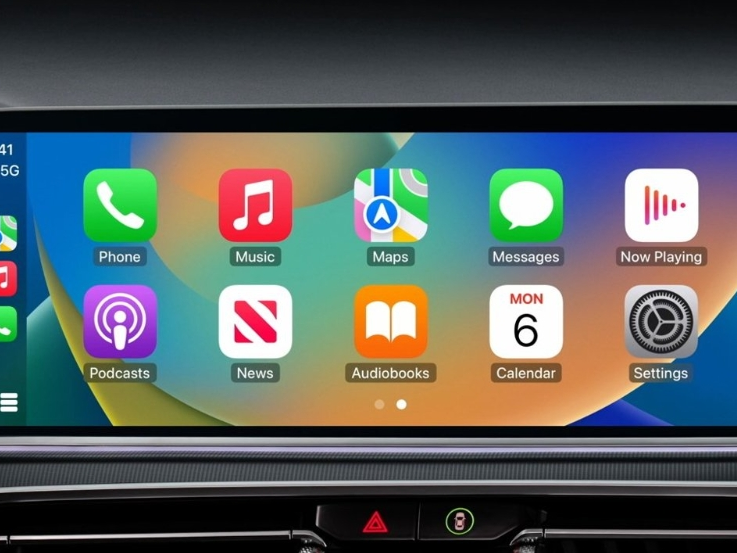
Overview Customizing CarPlay is a great way to personalize your in-car experience. By rearranging icons, changing the wallpaper, and tweaking various settings, you can make CarPlay work for you. Whether you want to focus on music, navigation, or communication, customizing CarPlay can help you get there faster and more efficiently. Here are some related articles to help you get started:… Read More »How to Customize CarPlay: A Comprehensive Guide

How to Download Hulu or Disney Plus on T-Box: A Guide to Installing Apps Not Available on Google Store

Overview T-Box is a device that allows users to stream content on their car’s infotainment system. However, users may encounter issues such as downloading apps that are not available on Google Play Store, updating Netflix, installing and uninstalling software from APK installer, and understanding how TBox works with Netflix. Issue 1: How to download apps such as Hulu or Disney… Read More »How to Download Hulu or Disney Plus on T-Box: A Guide to Installing Apps Not Available on Google Store