Skip to content

News

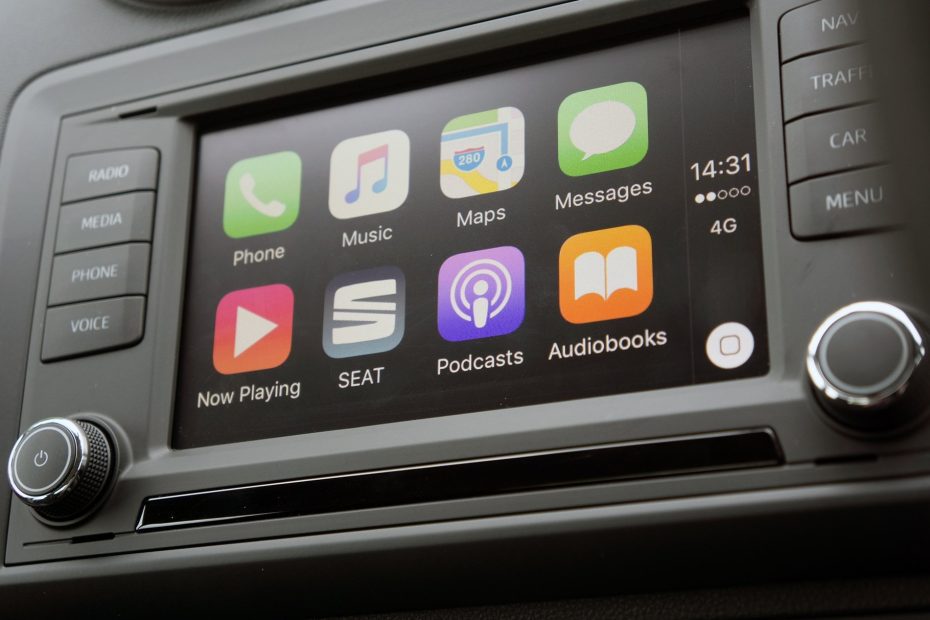
Discover the steps to utilize CarPlay on an Android car stereo or Android Tablet.

Instructions for utilizing the dongle with the Android car stereo. (For the car equipped with an Android version Navigation stereo.) 1. Setting up the AutoKit on the vehicle’s display. 2. Insert the dongle into the USB port of your vehicle.  3. Subsequently, proceed to link the iPhone to the dongle. 4. Select AutoKit to access the CarPlay interface. Instructions for utilizing… Read More »Discover the steps to utilize CarPlay on an Android car stereo or Android Tablet.
Carlinkit Change Resolution: How to Adjust Video Quality on Your Car’s Infotainment System

1. Link the dongle to the car. 2. To change the video resolution, access the product’s backend by entering 192.168.50.2 in the browser on your mobile device. Frequently Asked Questions How to Adjust Screen Resolution When Using Carlinkit with Android Auto? To adjust the screen resolution when using Carlinkit with Android Auto, you can follow these steps: What to Do If Changing the… Read More »Carlinkit Change Resolution: How to Adjust Video Quality on Your Car’s Infotainment System

Best Wireless CarPlay Adapter: Top Picks for Seamless In-Car Entertainment

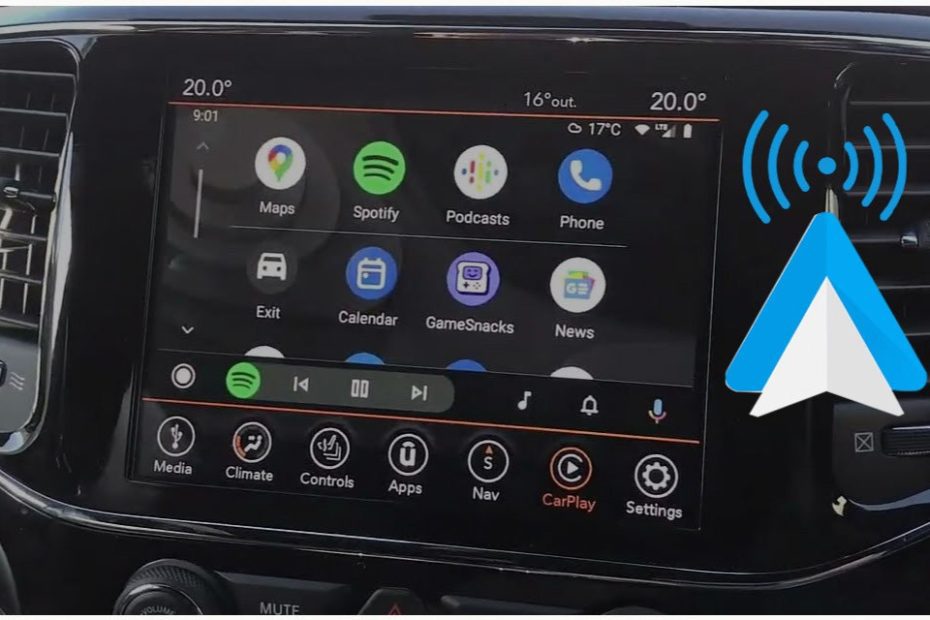
Are you tired of dealing with tangled cords and limited connectivity while driving? If so, you’re not alone. Many drivers are looking for a way to bring their Android Auto experience to the next level. Luckily, there is a solution – the best wireless Android Auto adapter. In this article, we will explore the top contenders for this title and… Read More »Best Wireless CarPlay Adapter: Top Picks for Seamless In-Car Entertainment

Tespush: The Revolutionary New Technology for Sustainable Energy Storage

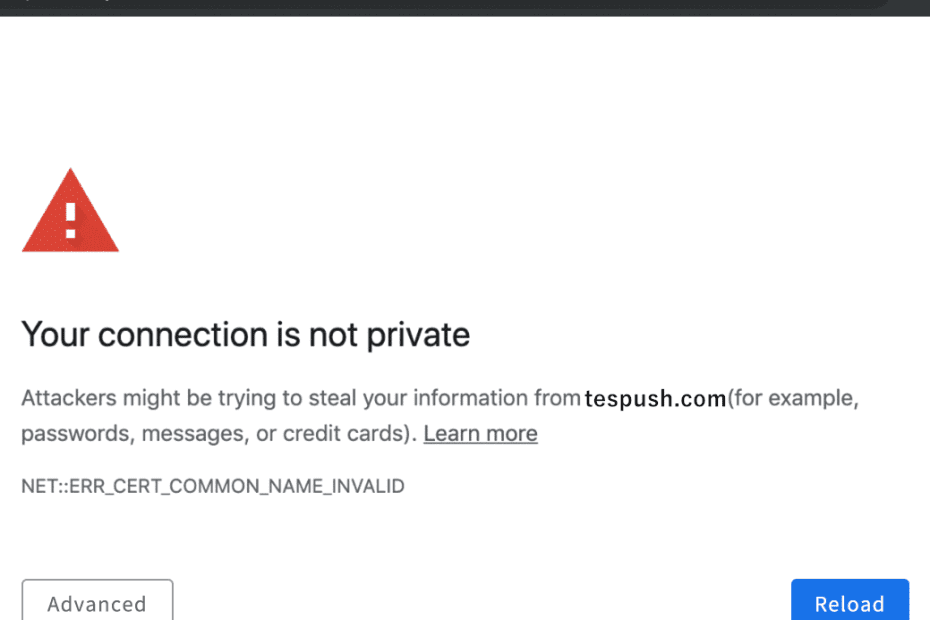
Issue 1: T2C, Tespush.com Alert: Your Connection is Not Private Users of T2C may encounter a browser prompt stating “Your connection is not private” when accessing Tespush.com. To resolve this issue, it is recommended to upgrade the product firmware to the latest version. To upgrade the firmware, users can follow these simple steps: After upgrading the firmware, the issue with… Read More »Tespush: The Revolutionary New Technology for Sustainable Energy Storage

How to Turn Off CarPlay: A Clear and Confident Guide

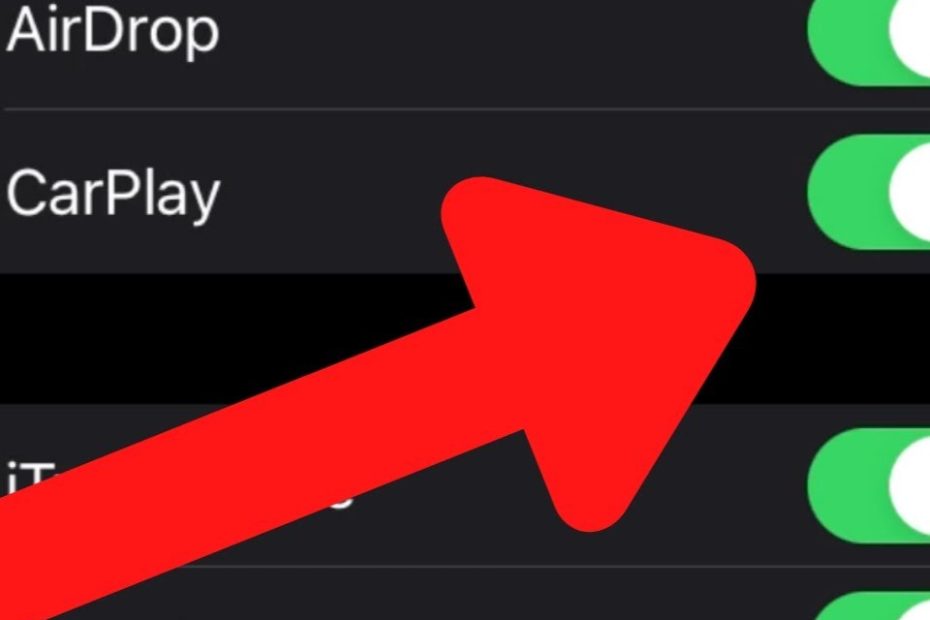
Many modern cars come equipped with Apple CarPlay, a feature that allows drivers to easily use their smartphones while on the road. However, there may be situations where turning off CarPlay is necessary. In this article, readers will learn the steps to disable CarPlay and gain control over their driving experience. By following the simple instructions provided in this article,… Read More »How to Turn Off CarPlay: A Clear and Confident Guide

Audi Q5 with Apple CarPlay: Everything You Need to Know

Does Audi Q5 have Wireless Apple CarPlay? Starting from the 2023 model year, all Audi Q5 models come with Apple CarPlay as a standard feature. This includes the ability to connect your iPhone wirelessly to the car’s infotainment system and enjoy features such as navigation, music, calling, messaging, and more. Wireless Apple CarPlay is especially helpful for Audi Q5 owners… Read More »Audi Q5 with Apple CarPlay: Everything You Need to Know

Wireless CarPlay Dongle: The Ultimate Solution for Car Connectivity

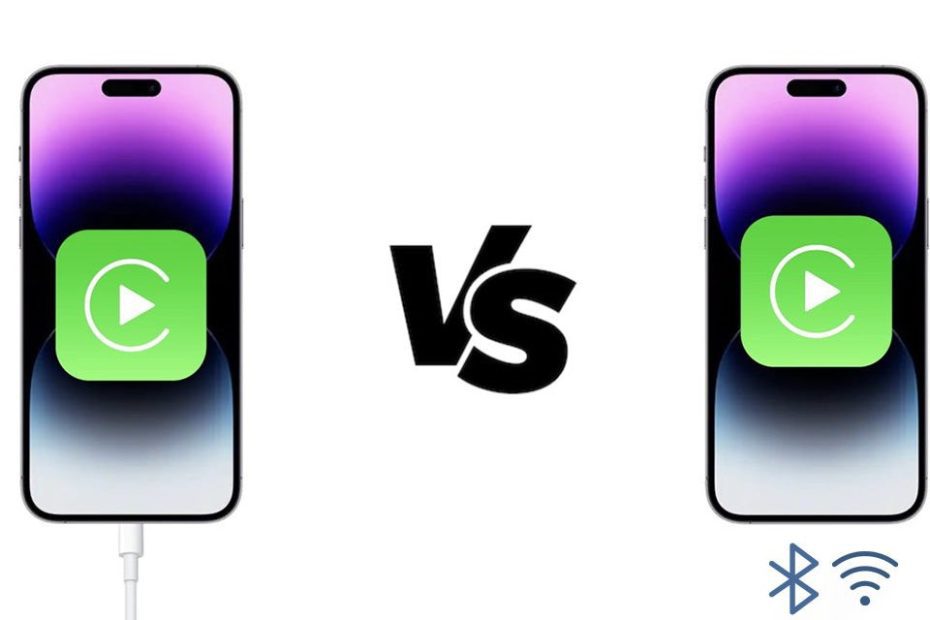
CarPlay, whether wired or wireless, is a subject that car owners often find themselves pondering. There are many scattered comments and reviews online, which may not reflect your needs or your potential experience. This article aims to provide clarity on the topic and discuss which is better: wired or wireless CarPlay, and how to choose between them. In this article,… Read More »Wireless CarPlay Dongle: The Ultimate Solution for Car Connectivity